Waivers your guests can sign before they arrive.
Your waiver goes out with every booking confirmation and reminder. Guests can sign online before check-in, and each signed copy is saved right on the booking.
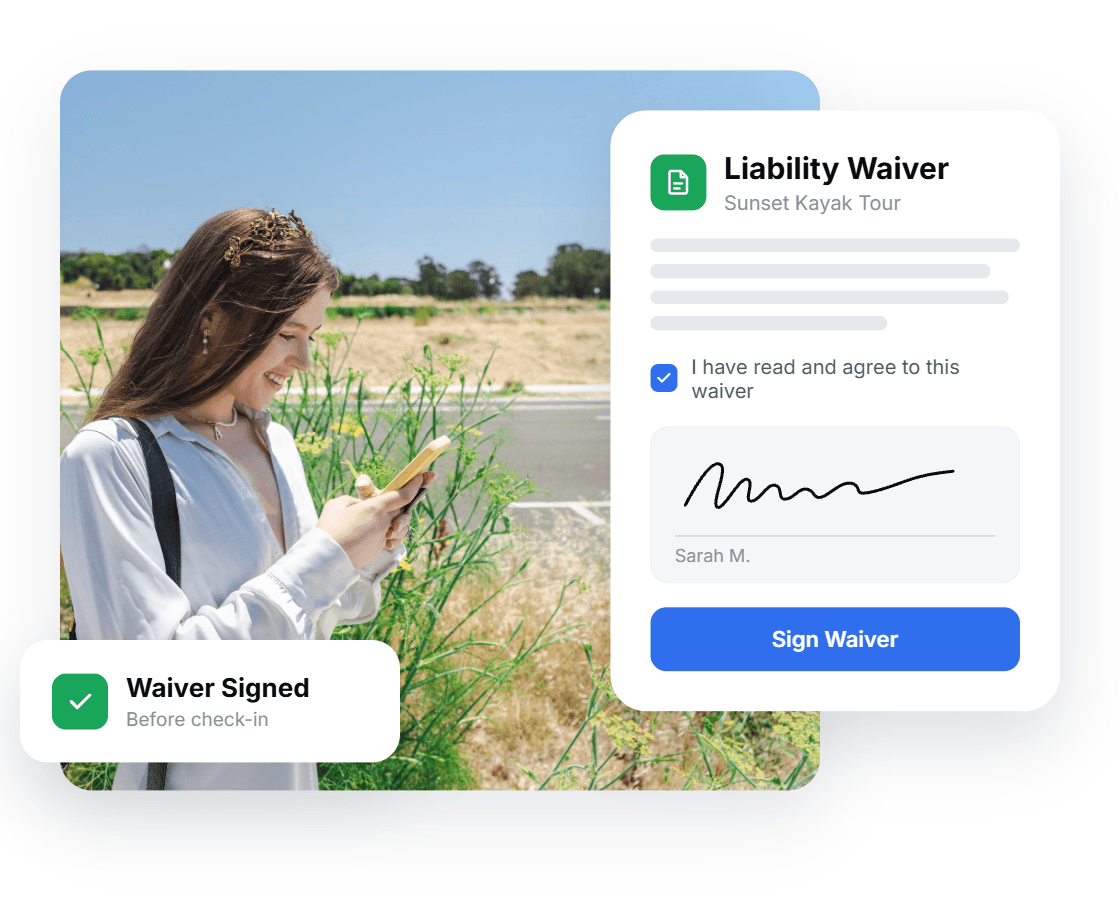
Your Own Waiver
Use your existing waiver language and pick the guest details you need from preset fields.
Sent Automatically
Waivers go out with booking confirmations and reminders, with no follow-up on your end.
Saved to the Booking
Every signed waiver is attached to its booking in your dashboard.
Your waiver, ready to sign online.
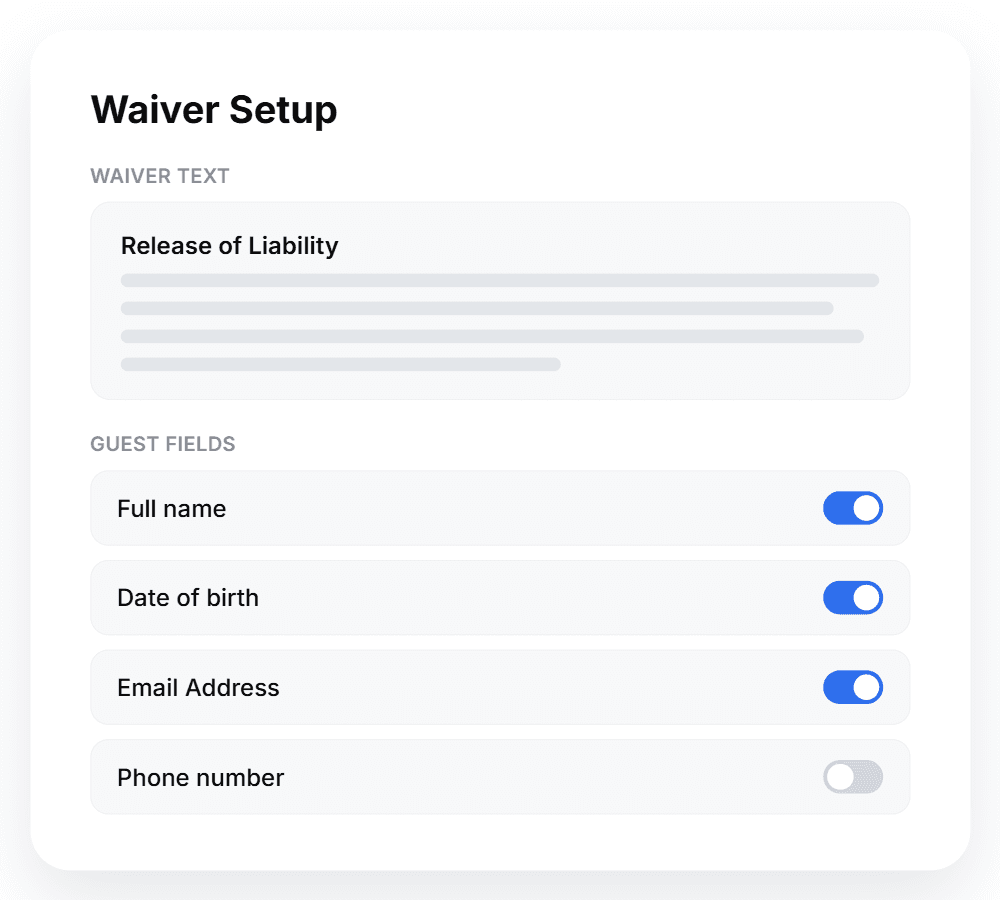
Bring the waiver you already use. Your wording carries over as it is, and you choose which guest details to collect from a set of preset fields.
Your language, as written
Use the same release language you have today. Guests see the waiver you wrote.
Preset guest fields
Collect the same details from every guest by choosing from a preset list of fields.
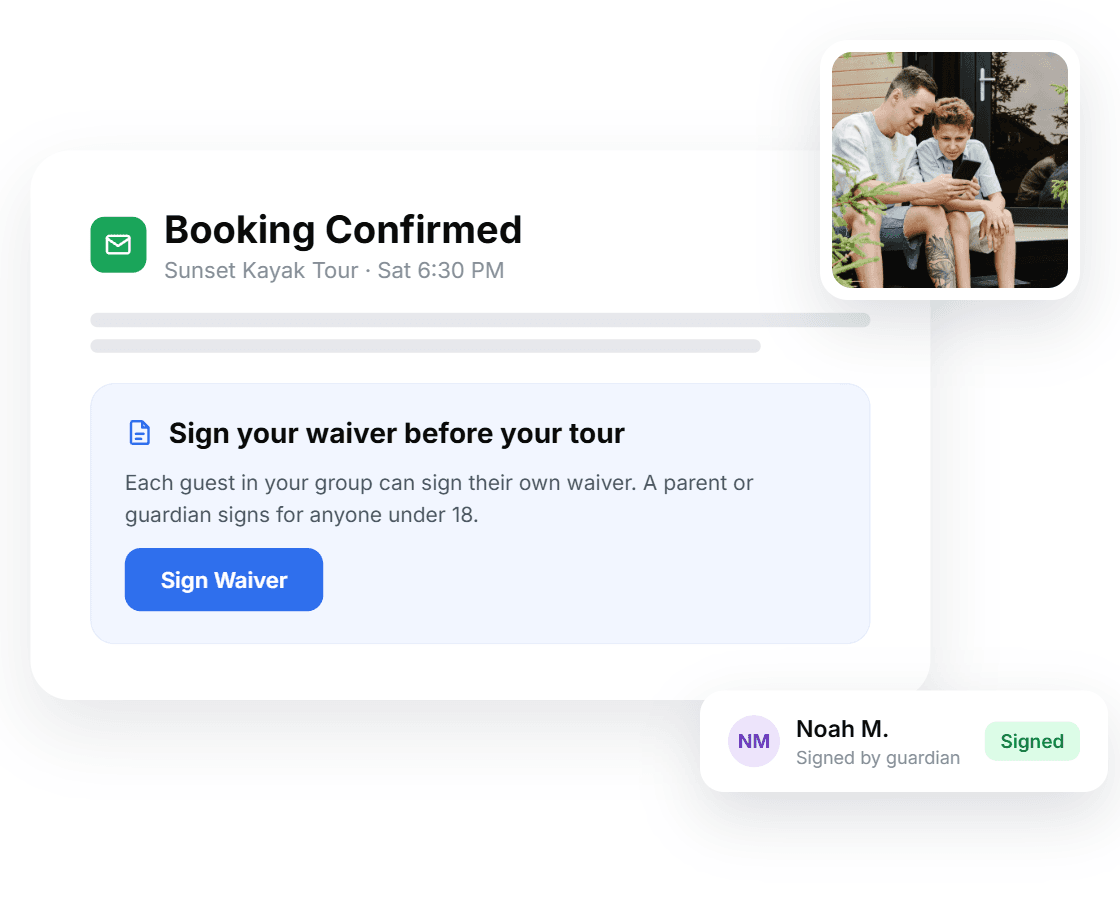
Let guests sign before check-in.
Waivers go out with the booking confirmation and reminder emails, so guests can sign from their own device well before they arrive.
Sent with every booking
The waiver is included in confirmation and reminder emails automatically.
Everyone signs their own
Each guest signs a separate waiver, and more can be added to the booking any time.
Guardians sign for minors
Waivers for minors are signed by a parent or guardian.
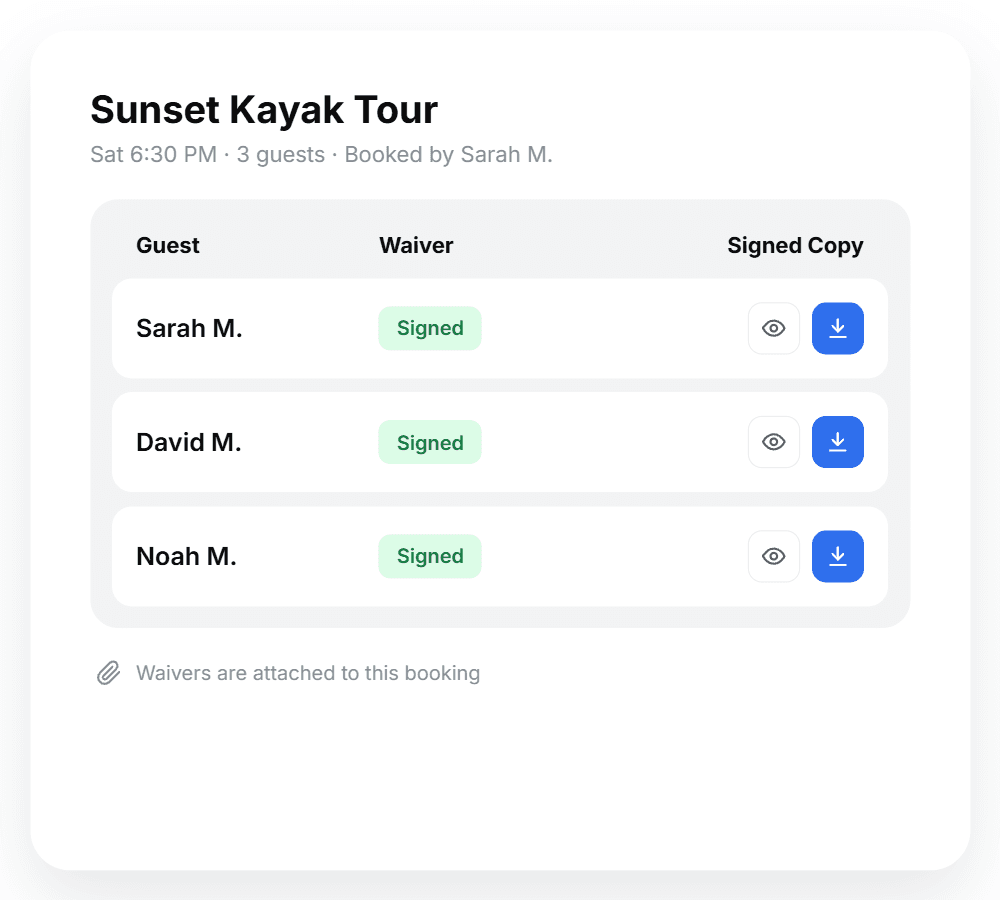
Signed waivers live with the booking.
Each signed copy is attached to its booking, so your waivers sit in the same place you manage the rest of your bookings.
Attached automatically
When a guest signs, the signed copy is saved to their booking for easy viewing and downloading.
No separate waiver platform
Waivers run inside BookingTerminal, so you don't need a second waiver tool alongside your booking system.
Optional, at no extra charge
Turn waivers on if your activities call for them. They're included with BookingTerminal at no extra cost.
Common questions about digital waivers
- Do digital waivers cost extra?
- No. Waivers are optional and included with BookingTerminal at no extra charge.
- Do I still need a separate waiver tool?
- Not for the waivers you run through BookingTerminal. Guests sign from their booking emails and the signed copy is saved to the booking, so there's no second system to check.
- Can I download signed waivers?
- Yes. Each signed waiver is saved to its booking, where you can view and download it any time.
Ready to streamline your bookings?
See how our all-in-one solution can help you manage your business and increase revenue.